
by IdeateOverCoffee
TaskPlate
Simple tasks. Total privacy.
iPhone · iPhone Duo · iPad

Free · iPhone, iPhone Duo & iPad · Requires iOS 17 or later
Three lists. Zero overhead.
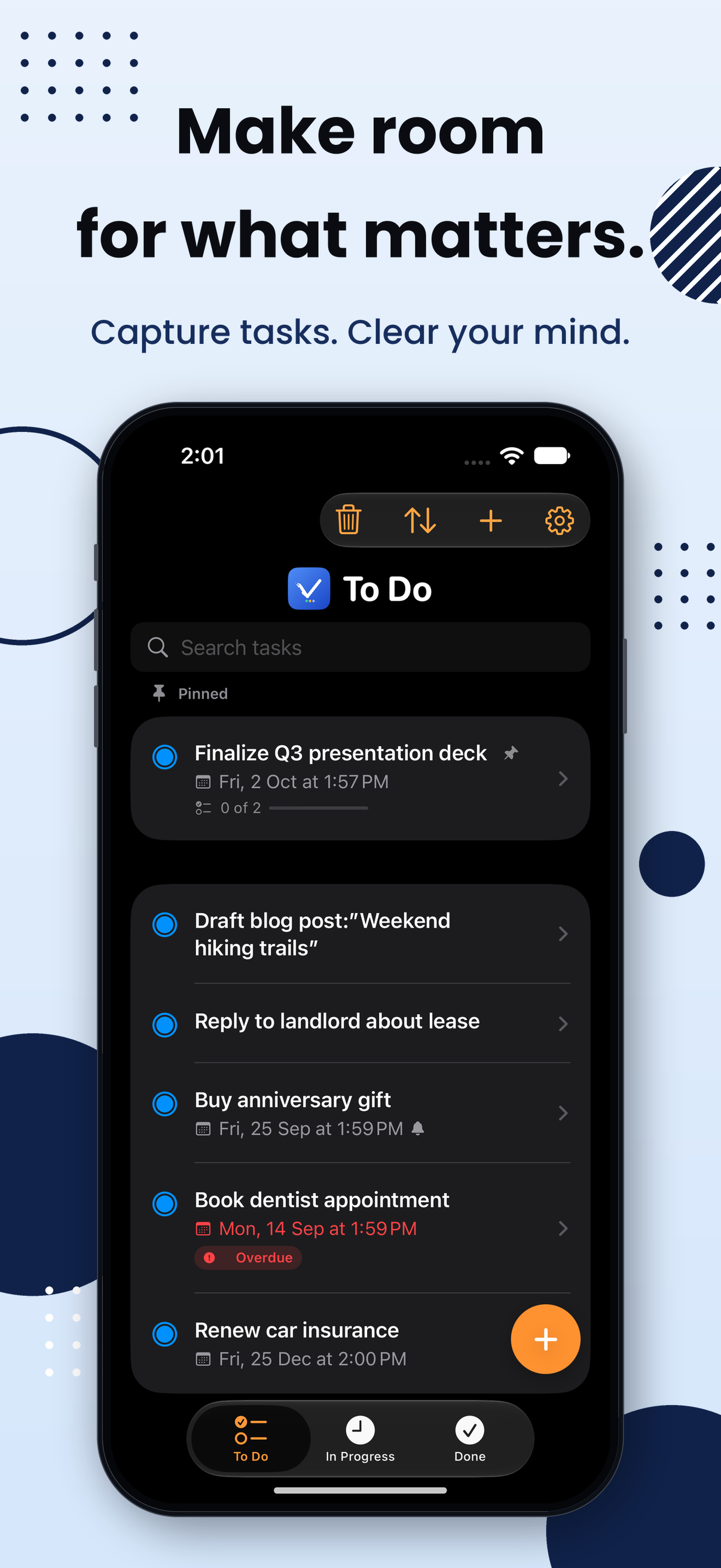
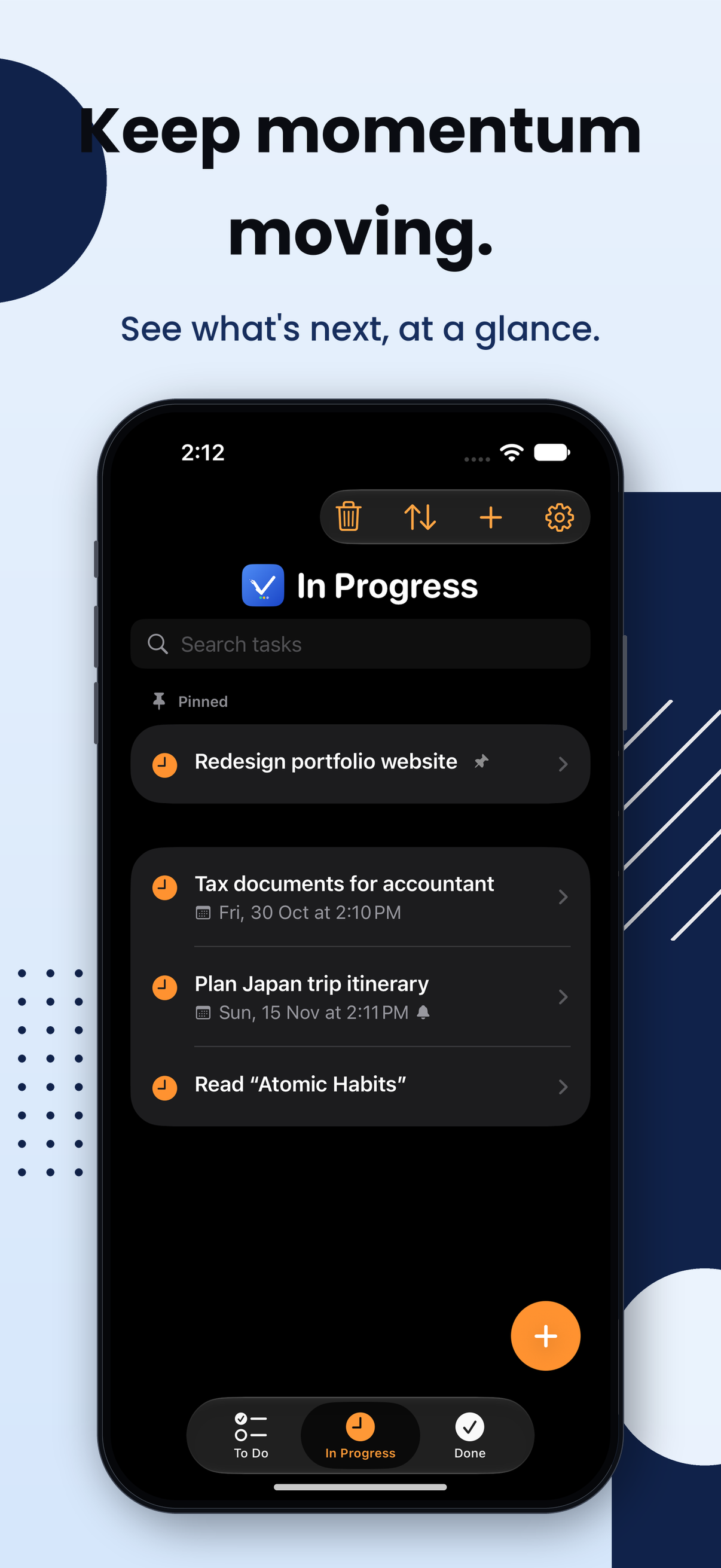
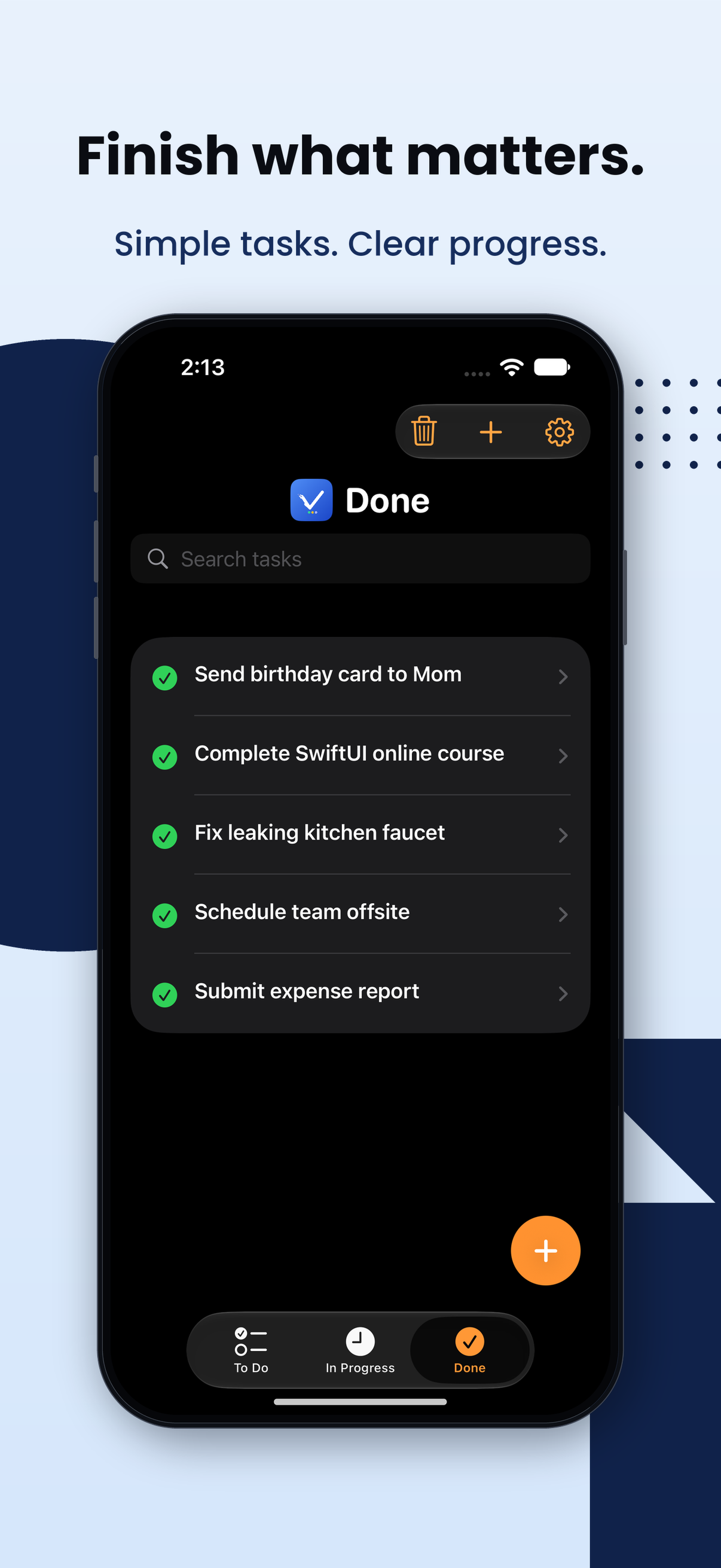
Every task lives in one of three honest states — To Do, In Progress, or Done. Move them forward as you go. No projects, no sub-tasks, no setup.
To Do
Prepare for meeting
Review design mockups
Send follow-up email
In Progress
Build landing page
Write documentation
Done
Set up project
Sketch wireframes
See it in action
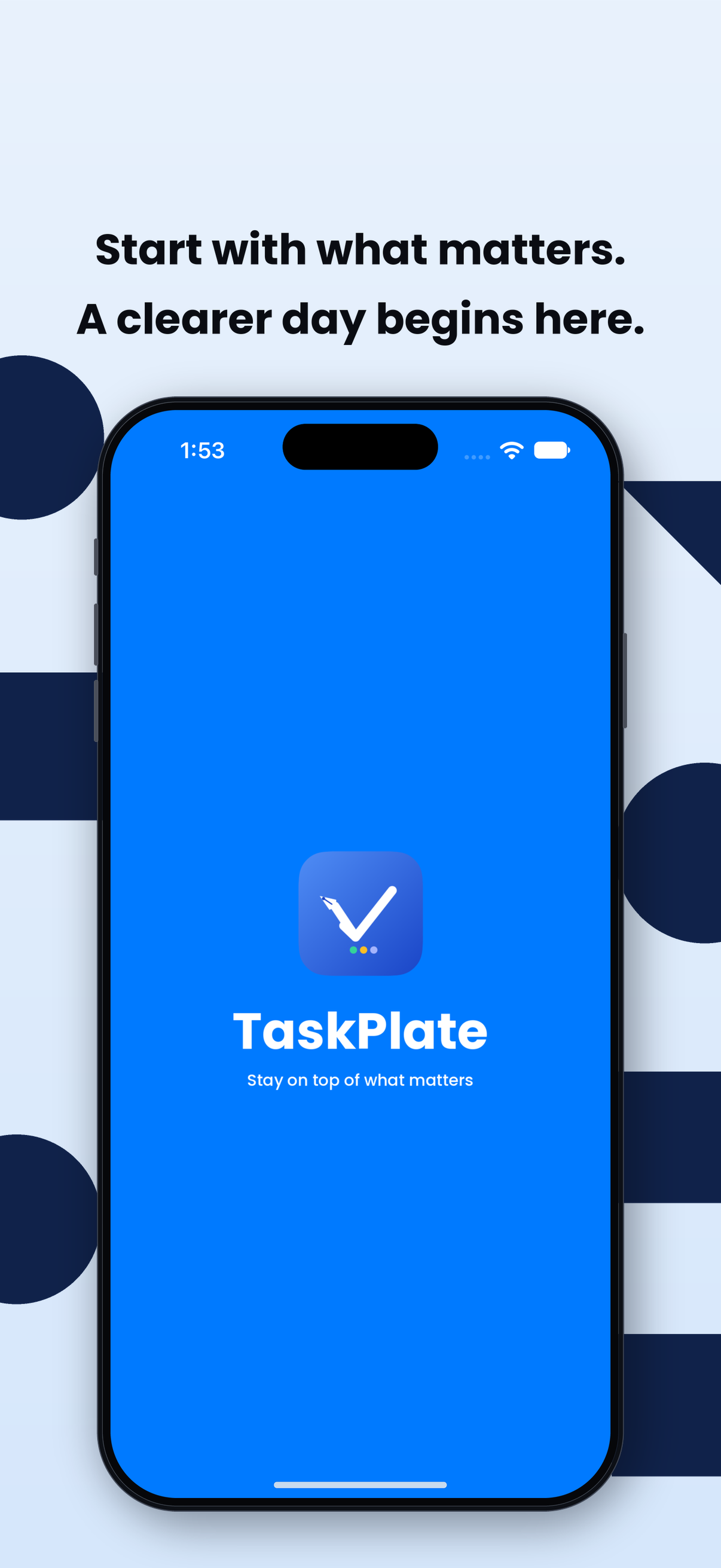
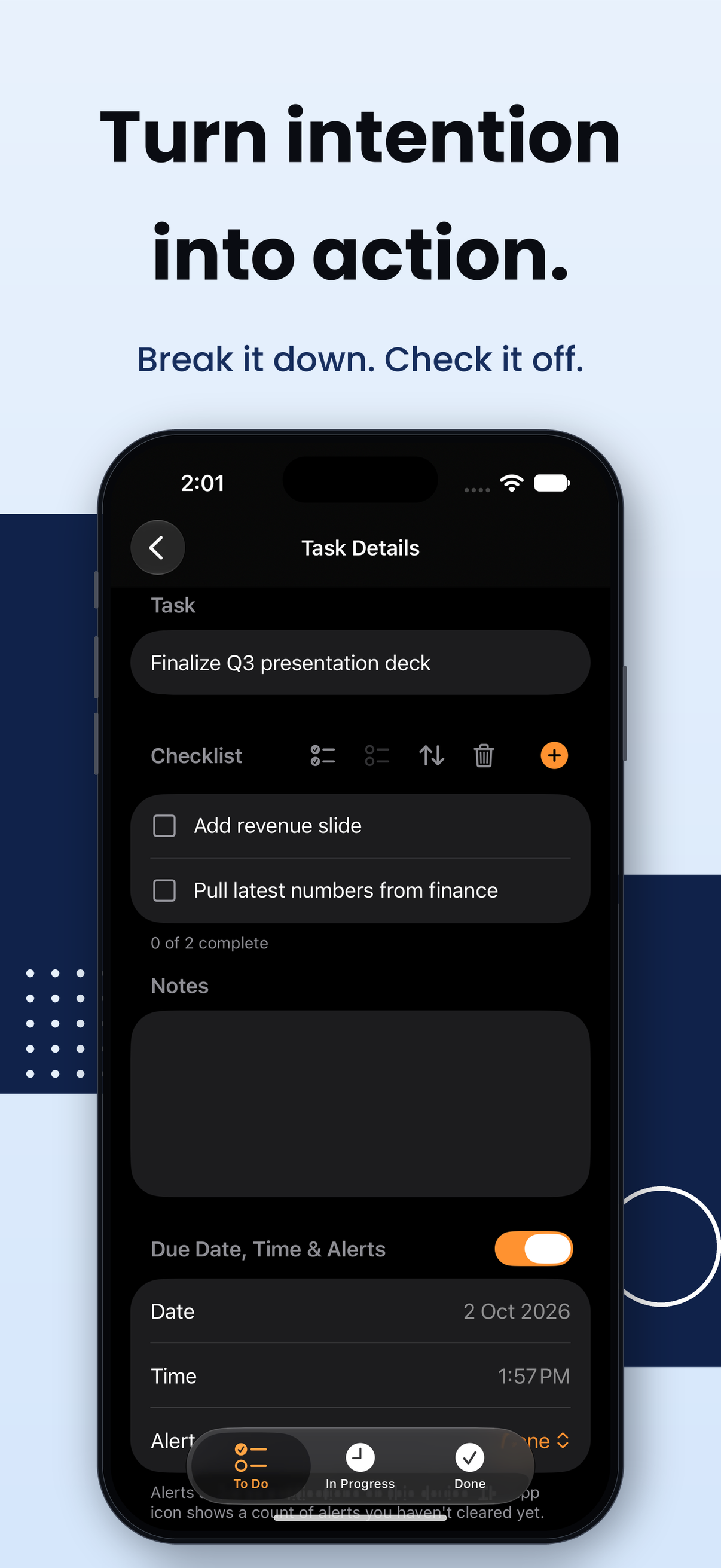
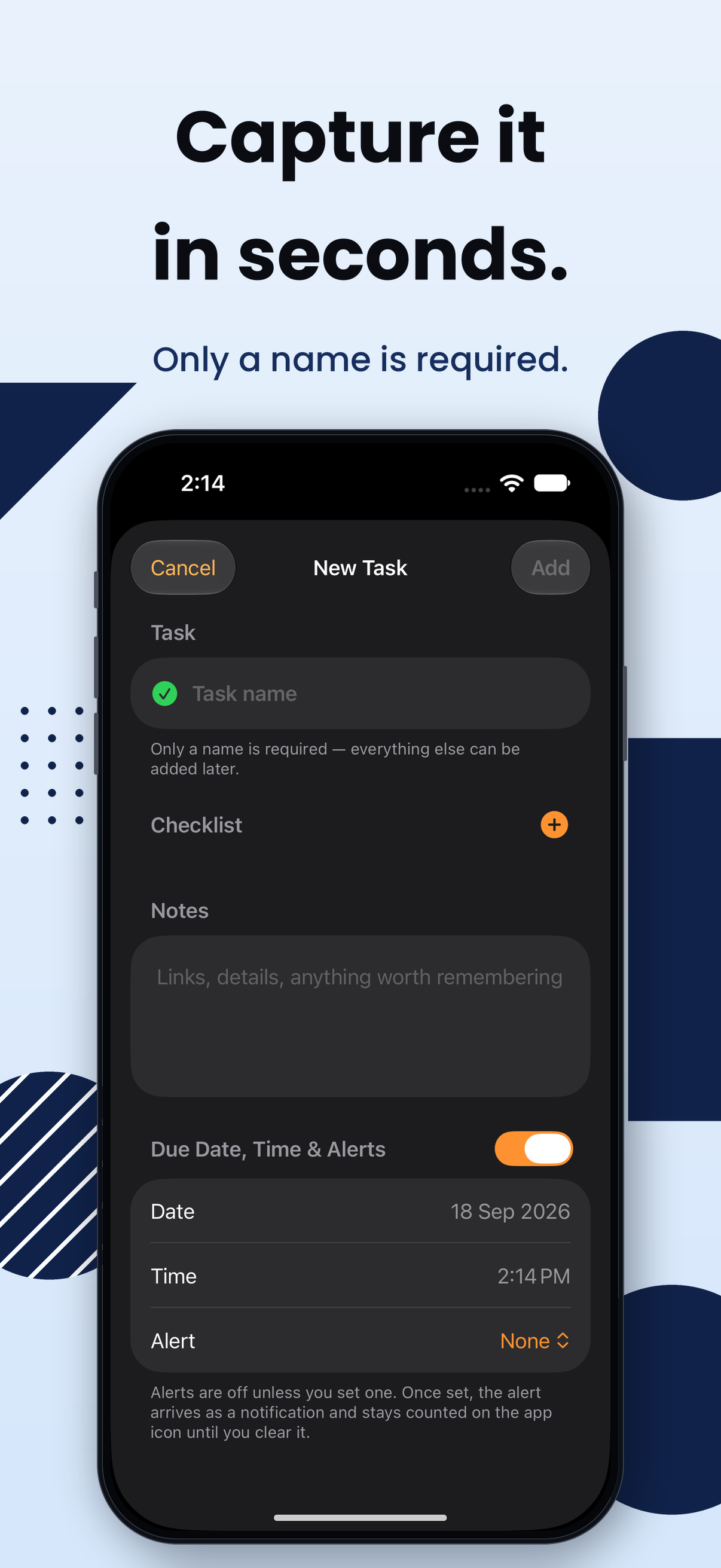
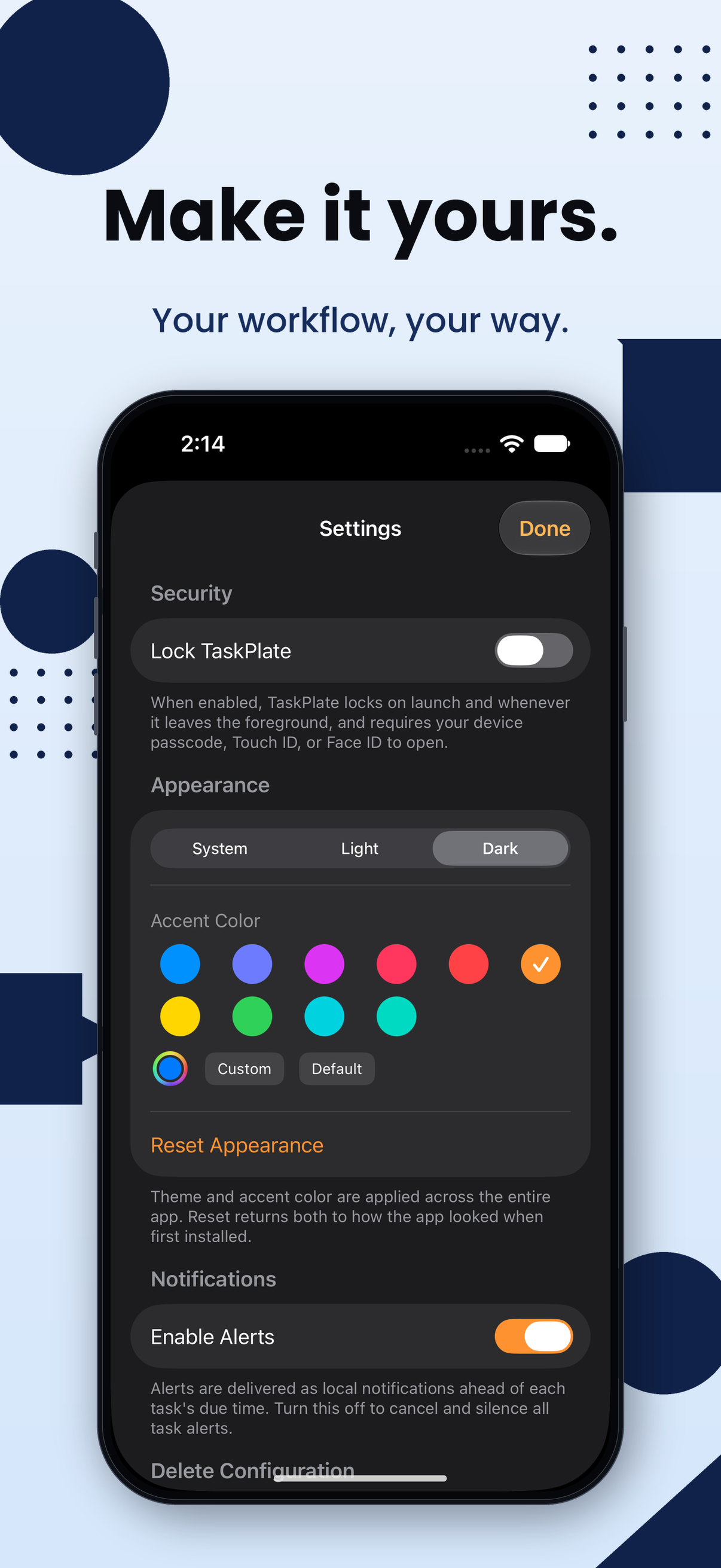
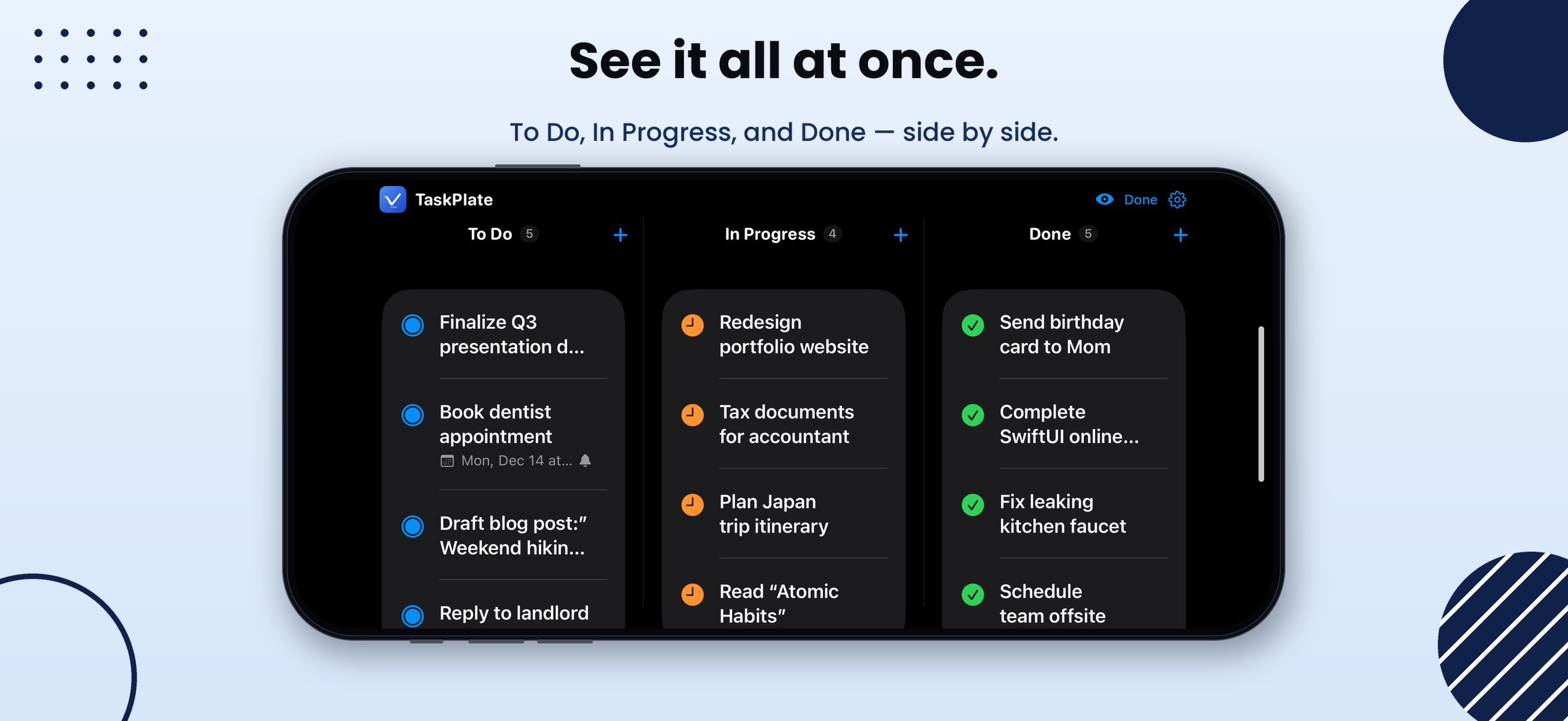
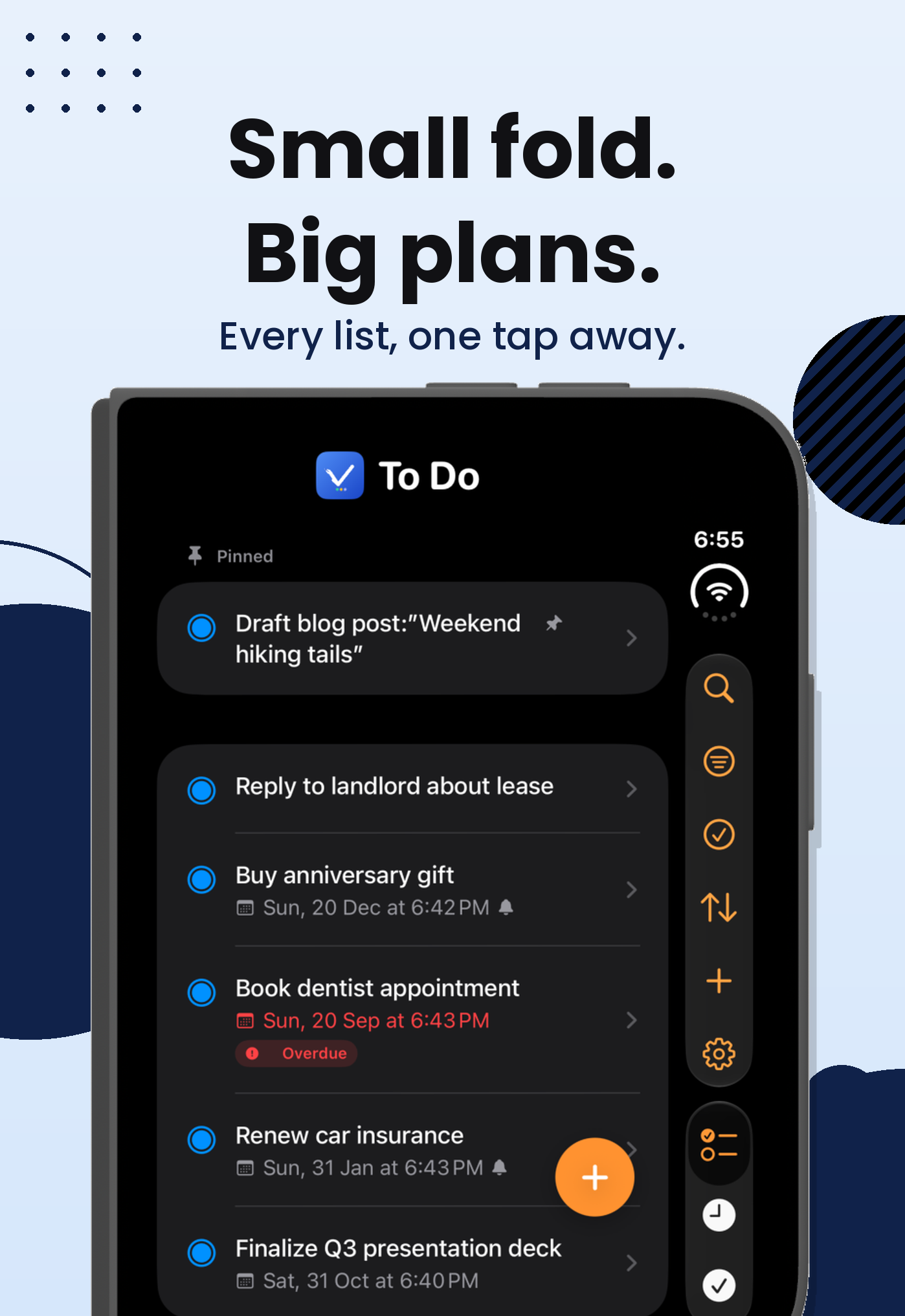
A closer look at TaskPlate on iPhone — swipe through, screen by screen, then sideways for all three lists at once.
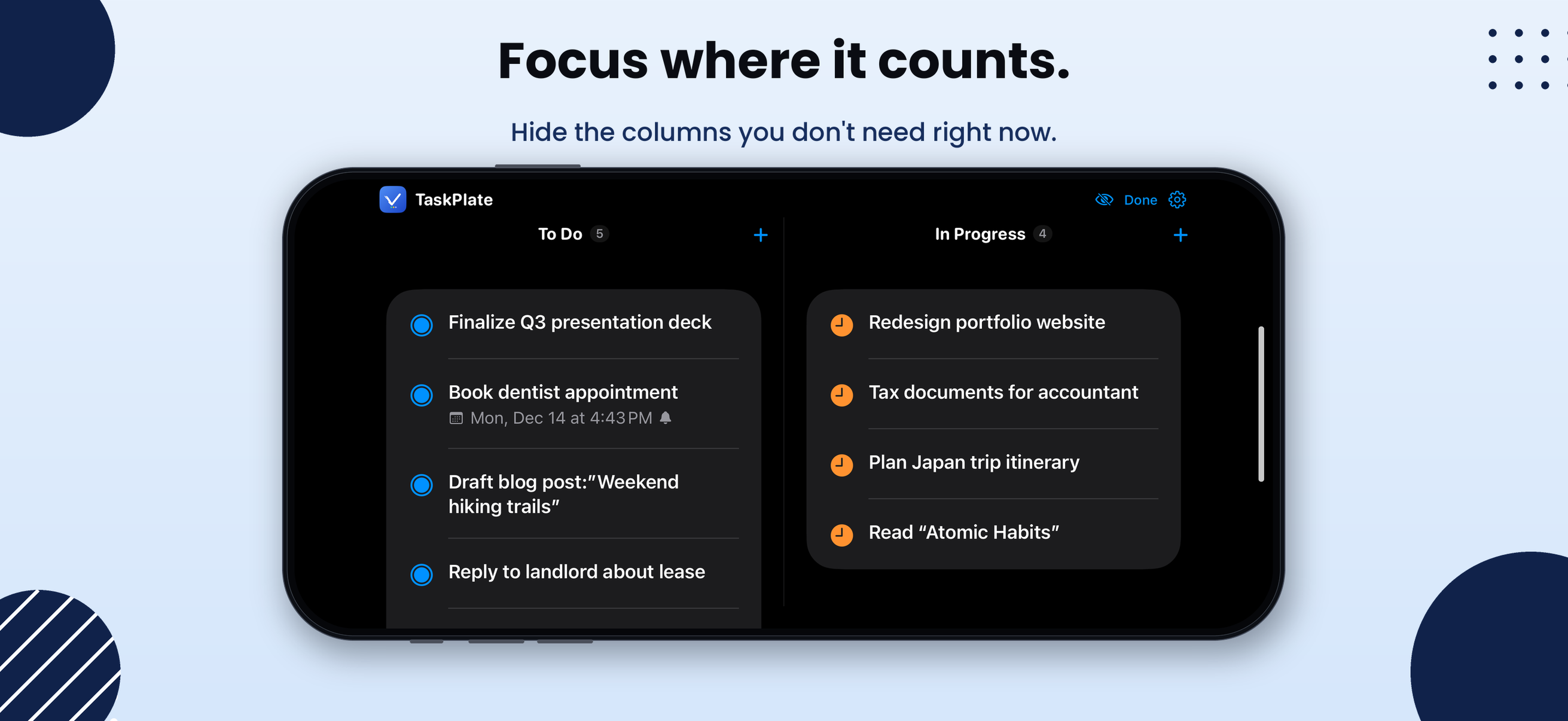
Turn it sideways
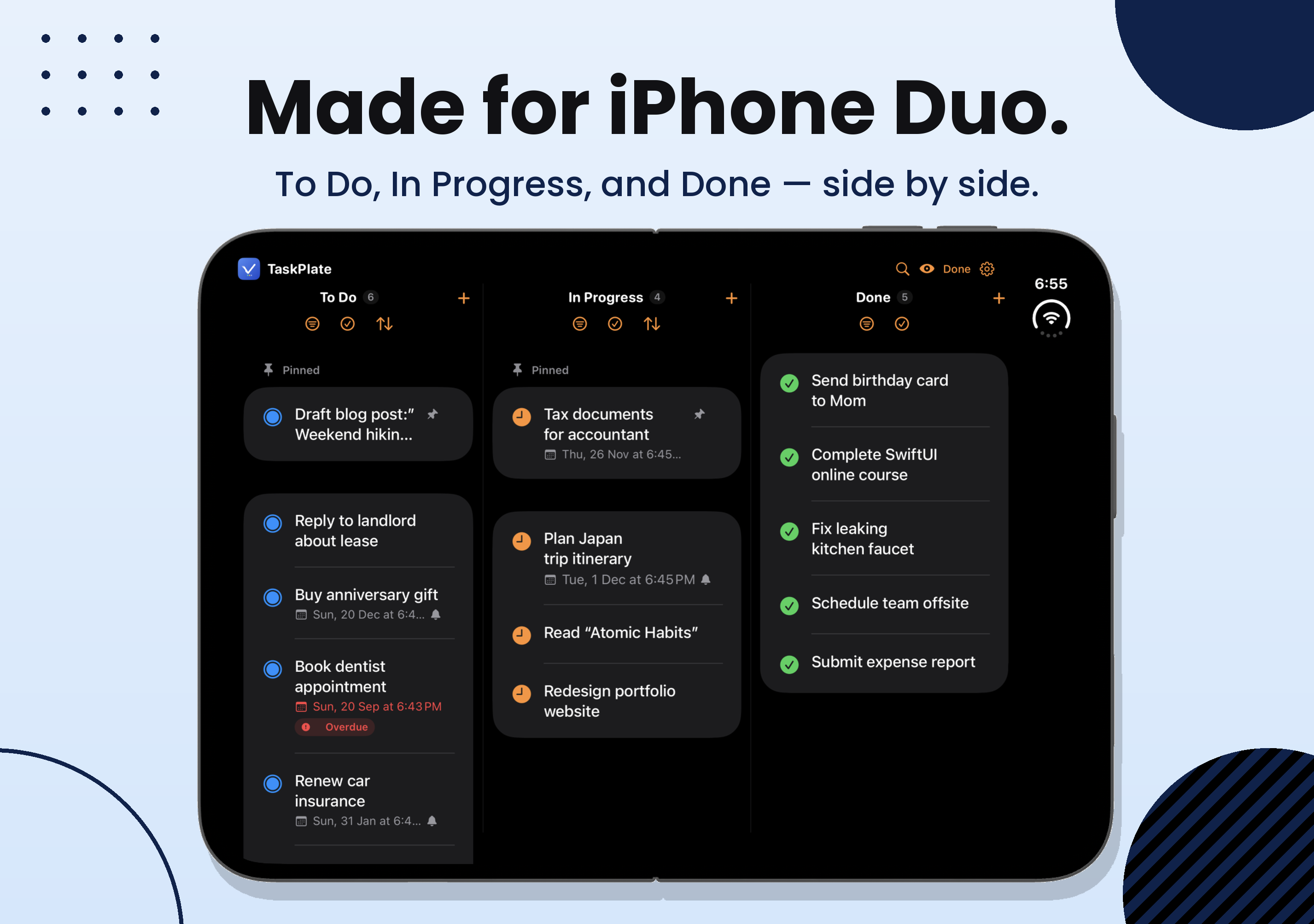
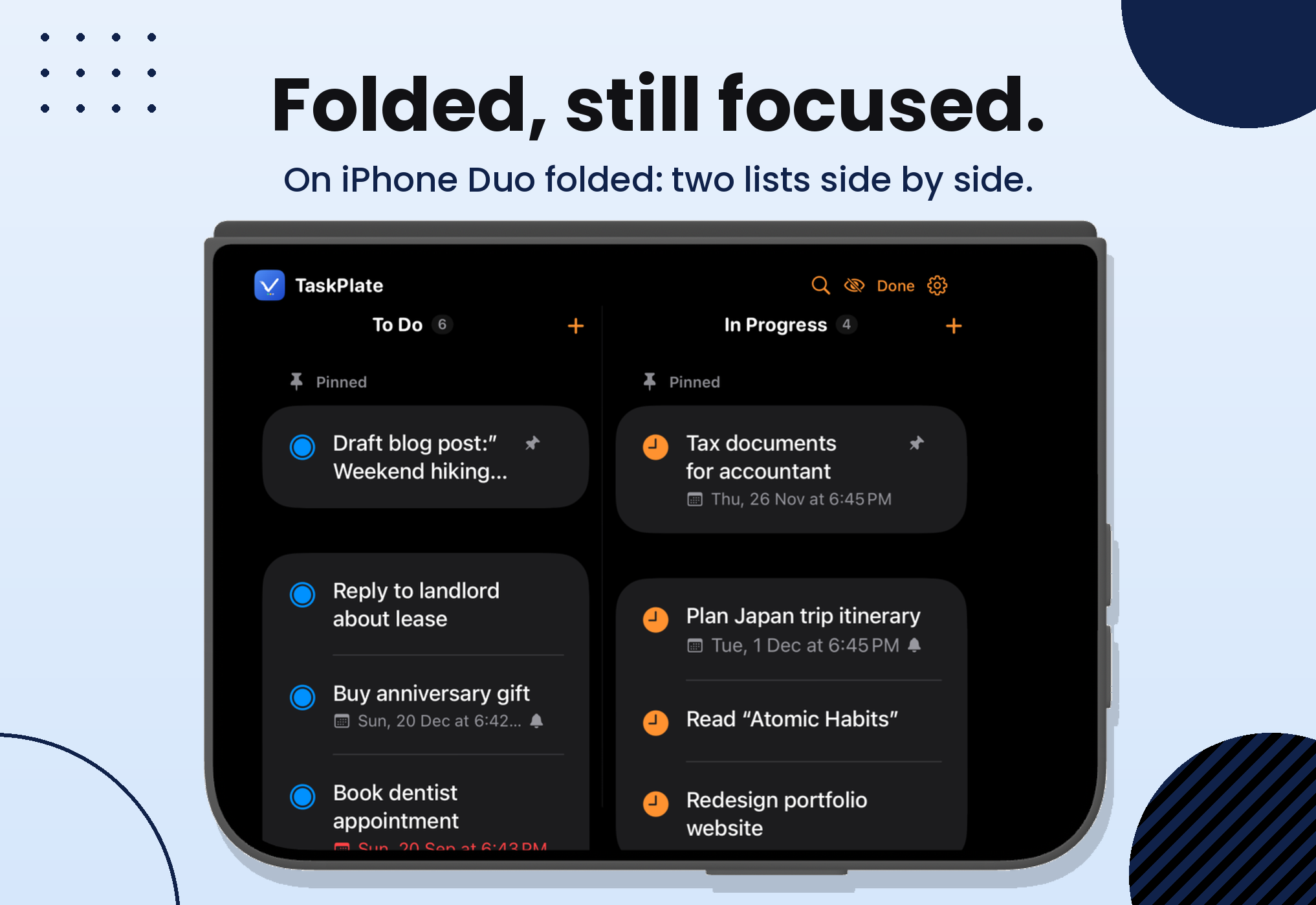
Made for iPhone Duo
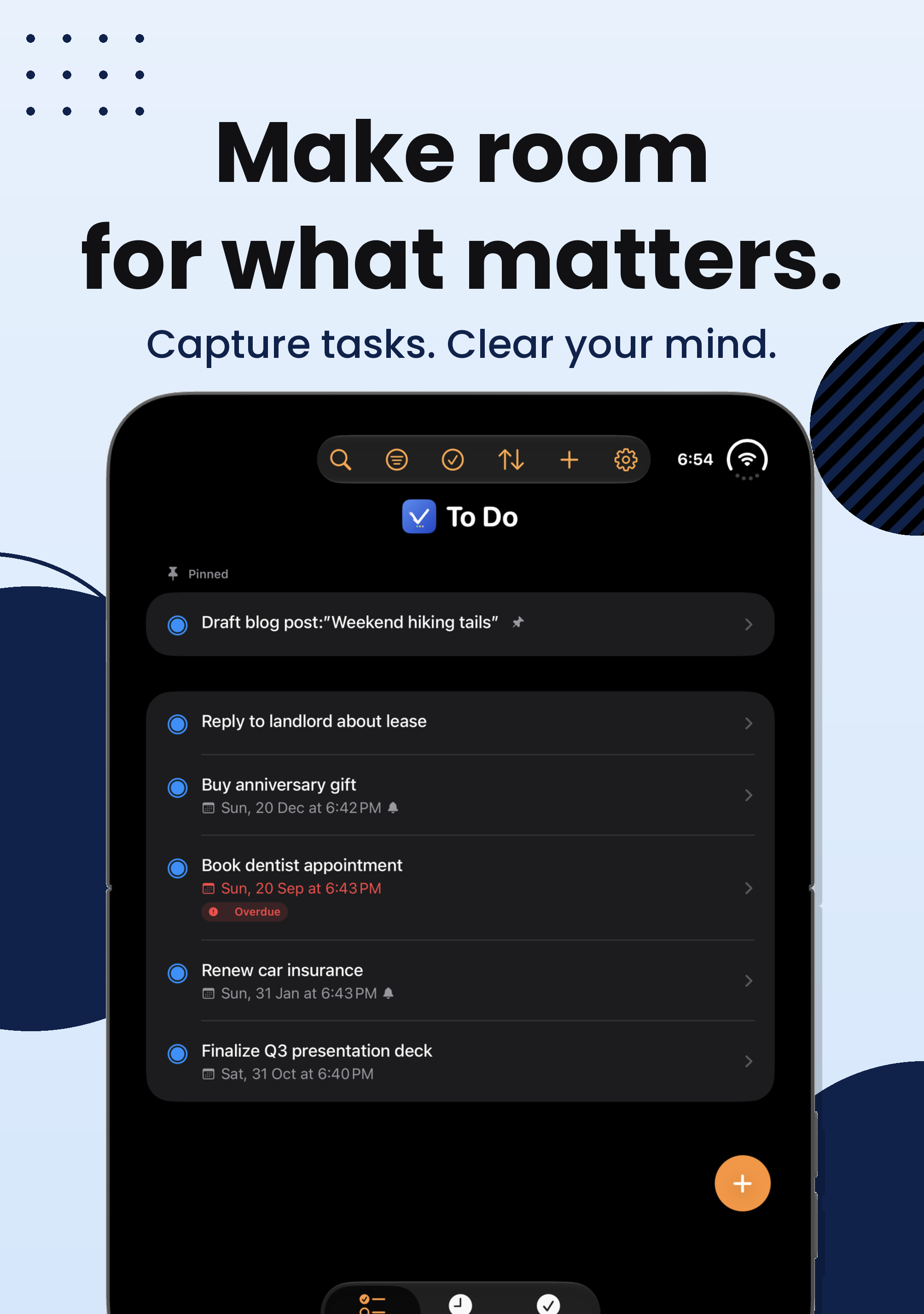
Swipe to explore →
Everything you need.
Nothing you don’t.
Built from scratch to be fast, private, and out of your way.
📌
Pin & reorder
Pin your most important tasks to the top of To Do or In Progress, and drag to reorder the rest exactly the way you want it.
🔔
Alerts that wait for you
Set a due date and choose when to be alerted — 5 minutes, 15 minutes, an hour, or up to a week ahead. Delivered locally, no internet needed, and counted on the app icon until you clear it yourself.
🔍
Instant search
Search across task names, notes, and checklist items as you type. Finding anything in a long list takes seconds, not scrolling.
🔀
Move freely
Move any task between To Do, In Progress, and Done at any time — forward or back. Progress isn’t locked in one direction.
🗑️
Safe delete
Deleted tasks go to an archive first, not straight to oblivion. Recover anything from Deleted Tasks, or set auto-cleanup and forget about it.
🌟
Make it yours
Choose Light, Dark, or System appearance. Pick an accent color from 10 presets — or open the full color picker and choose any color you want.
🎨
Color Scheme
Recolor the whole app in one tap with one of four warm, hand-picked palettes — Sage & Ink, Sand & Brick, Slate & Amber, or Plum & Stone. Available in Light appearance from Settings.
📱
Sideways, all at once
Turn your device, or open iPhone Duo, and your lists sit side by side — as many as fit the screen — with one search across all of them. Fold the Done list away to give To Do and In Progress more room.
Privacy & Security
Your tasks never leave your device.
TaskPlate is built around a simple principle: your to-do list is yours. No cloud, no account, no tracking — and now, no one else gets in.
No account required
Open the app and start adding tasks. There’s no sign-up, no email, no password.
No cloud, ever
No sync servers, no cloud storage, no internet required. The tradeoff is deliberate: your iPhone and iPad each keep their own list.
Zero tracking
No analytics, no telemetry, no third-party SDKs. We don’t collect anything because we don’t want to.
Works offline
Full functionality with no internet connection. Your list is always there, always instant.
App lock
Lock TaskPlate with Face ID, Touch ID, or your device passcode. Your tasks stay private even if someone else picks up your phone.
Make it yours
A small amount of personalization on top of an interface that otherwise stays out of your way.
🌟 Appearance
Switch between Light, Dark, or System mode. TaskPlate follows your device automatically, or you can lock it to your preferred look.
🌈 Accent Color
10 color presets or open the full system color picker to choose any shade you want. Applied everywhere in the app.
Learn more
Get to know TaskPlate
TaskPlate is available now.
A fast, private, no-fuss task board for iPhone, iPhone Duo, and iPad. Free on the App Store.

